
Table of Contents
How to Choose the Best AI Assistant for Your Real Estate Business
Learn how to choose the best AI assistant for your real estate business. Compare features, evaluate email management tools, and find the right AI to save time and close more deals in 2026.

How to Choose the Best AI Assistant for Your Real Estate Business
The numbers tell a compelling story: 97% of real estate professionals now show active interest in using AI, and 75% of leading brokerages have already adopted AI tools to gain a competitive edge. The AI in real estate market surged to $303 billion in 2025 and is projected to reach over $1.3 trillion by 2030. If you haven't picked an AI assistant yet, you're not just missing a trend — you're leaving deals on the table.
But with dozens of AI tools flooding the market, choosing the right one can feel overwhelming. Not every tool is built for the way real estate agents actually work. The best AI assistant for your business depends on your workflow, your pain points, and the kind of results you're after.
This guide breaks down exactly what to look for, what to avoid, and how to make a confident choice that pays off in saved time and closed deals.

Best AI Tools For Real Estate Agents | 2026 Complete Guide
Why Real Estate Agents Need an AI Assistant in 2026
The real estate industry is at an inflection point. Between September and December 2025, 88% of real estate investors had already started piloting AI across an average of five use cases — a massive jump from just 5% in 2023. Agents who adopted AI early are reporting up to 40% productivity gains, and brokerages with unified AI platforms are doubling their marketing execution speed.
Here's the bottom line: leads followed up within five minutes are 100 times more likely to convert. Yet most agents take hours — sometimes days — to respond. An AI assistant closes that gap by handling the repetitive work that eats up your day, so you can focus on the conversations that actually close deals.
The shift from automation to anticipation is the defining trend of 2026. AI tools are no longer just scheduling emails or sorting contacts. They're predicting which leads are most likely to convert, flagging clients at risk of disengaging, and surfacing opportunities you'd otherwise miss.
The Biggest Pain Points AI Solves for Real Estate Agents
Before evaluating specific tools, it helps to get clear on the problems worth solving. Here are the most common frustrations agents face — and where AI makes the biggest difference.
Email and Inbox Overload
Your inbox is a battlefield. New leads, client updates, listing information, vendor emails, and marketing messages all compete for attention. Hot leads cool down when emails slip through the cracks or key questions get buried in long chains. Without a system to prioritize what matters, you're constantly playing catch-up.
AI email assistants solve this by ranking and tagging incoming messages, flagging urgent leads, and surfacing conversations that need your attention first. Instead of scanning hundreds of emails every morning, you open your inbox to a clear picture of what needs action now.
Missed Follow-Ups and Lost Leads
Manual follow-up breaks down fast when you're juggling open houses, showings, and competitive market analysis. A lead who inquired about a listing three days ago may have already moved on if nobody reached out. AI automates follow-up sequences triggered by client behaviour — if a buyer clicks on a listing in a specific neighbourhood, the system sends a personalized email within minutes, not days.
Administrative Time Drain
Modern agents drown in administrative work: lead qualification, scheduling, listing updates, CRM entries, and paperwork. Without AI, tasks like writing listing descriptions and market updates alone can consume 15–20 hours per week. With AI assistance, agents are cutting that down to 3–5 hours while maintaining quality. Top-producing agents report saving over 10 hours per week with comprehensive AI solutions.

Key Features to Look for in a Real Estate AI Assistant
Not all AI tools are created equal. Here's a framework for evaluating what actually matters.
1. Email Management and Lead Prioritization
This is the foundation. Your AI assistant should integrate directly with your email platform — Gmail, Outlook, or whatever you use — and automatically organize incoming messages. Look for features like priority inbox ranking, lead scoring, email tagging by client and status, and the ability to surface conversations that need immediate attention.
The best tools go beyond simple sorting. They analyze email patterns — response times, engagement levels, tone shifts — to give you a real-time picture of each client relationship. If a previously active client suddenly goes quiet, the system flags it before you notice.
2. Automated Follow-Up and Lead Nurturing
A good AI assistant doesn't just organize your inbox — it acts on it. Look for tools that can draft personalized follow-up emails based on previous conversations, send trigger-based sequences when leads take specific actions, and maintain engagement with long-term nurture contacts.
The key word is "personalized." Generic drip campaigns don't impress anyone. The right AI tool references past interactions, mentions relevant properties, and adapts its tone to match the relationship. Agents using AI-powered lead nurturing see a 35% increase in qualified appointments within their first month.
3. CRM Integration and Unified Workflows
If your AI assistant doesn't integrate with your existing CRM — whether that's Follow Up Boss, LionDesk, Salesforce, or another platform — it creates more work, not less. Look for tools that sync contacts, log communications automatically, and update client profiles without manual data entry.
The goal is a unified workflow where lead capture, email management, follow-up, and deal tracking all happen in one connected system. CRM AI agents alone can save 12–16 hours per week by eliminating duplicate data entry and automating status updates.
4. Content Generation and Marketing Support
Writing listing descriptions, social media posts, email campaigns, and market updates takes time. AI tools that generate quality content — while letting you edit and personalize before publishing — dramatically speed up your marketing workflow. Some agents report reducing content creation time from 15–20 hours to just 3–5 hours per week.
Look for tools that understand real estate terminology, can pull in local market data, and produce content that sounds like you, not a robot.
5. Predictive Analytics and Client Insights
The most advanced AI assistants don't just respond to what's happened — they predict what's coming. Predictive analytics can identify which leads are most likely to convert, which clients are at risk of churning, and when the best time to reach out is.
These insights turn reactive agents into proactive ones. Instead of waiting for a client to call, you're reaching out at exactly the right moment with exactly the right message.
6. Security and Privacy Compliance
Real estate involves sensitive personal and financial information. Any AI tool you use must offer end-to-end encryption, SOC 2 compliance, and clear data handling policies. Ask vendors directly about how they store, process, and protect client data.
How to Evaluate and Compare AI Tools
With the feature checklist in hand, here's a practical process for narrowing down your options.
Start with Your Biggest Pain Point
Don't try to solve everything at once. If your biggest challenge is inbox overload and missed follow-ups, prioritize tools built around email management. If you're spending too much time on content creation, look for tools with strong writing capabilities. The best AI assistant is the one that solves your most pressing problem first.
Test the Integration
Before committing, verify that the tool integrates with the platforms you already use. Ask these questions: Does it connect to your email provider? Does it sync with your CRM? Can it pull data from your MLS? A tool that requires you to change your entire workflow isn't the right fit.
Evaluate the Learning Curve
Some AI tools require weeks of setup and training. Others work out of the box by analyzing your existing email history and building client profiles automatically. For busy agents, the faster a tool delivers value, the better.
Check for Customization
Real estate is personal. Your communication style, your market, and your client base are unique. The right AI assistant lets you customize templates, adjust tone, set your own follow-up cadences, and define what "high priority" means for your business.
Look at Real Results
Ask for case studies or testimonials from other real estate professionals. Metrics to look for include time saved per week, lead response time improvement, conversion rate changes, and client retention impact.
Using KivoAI as Your Email-First AI Assistant
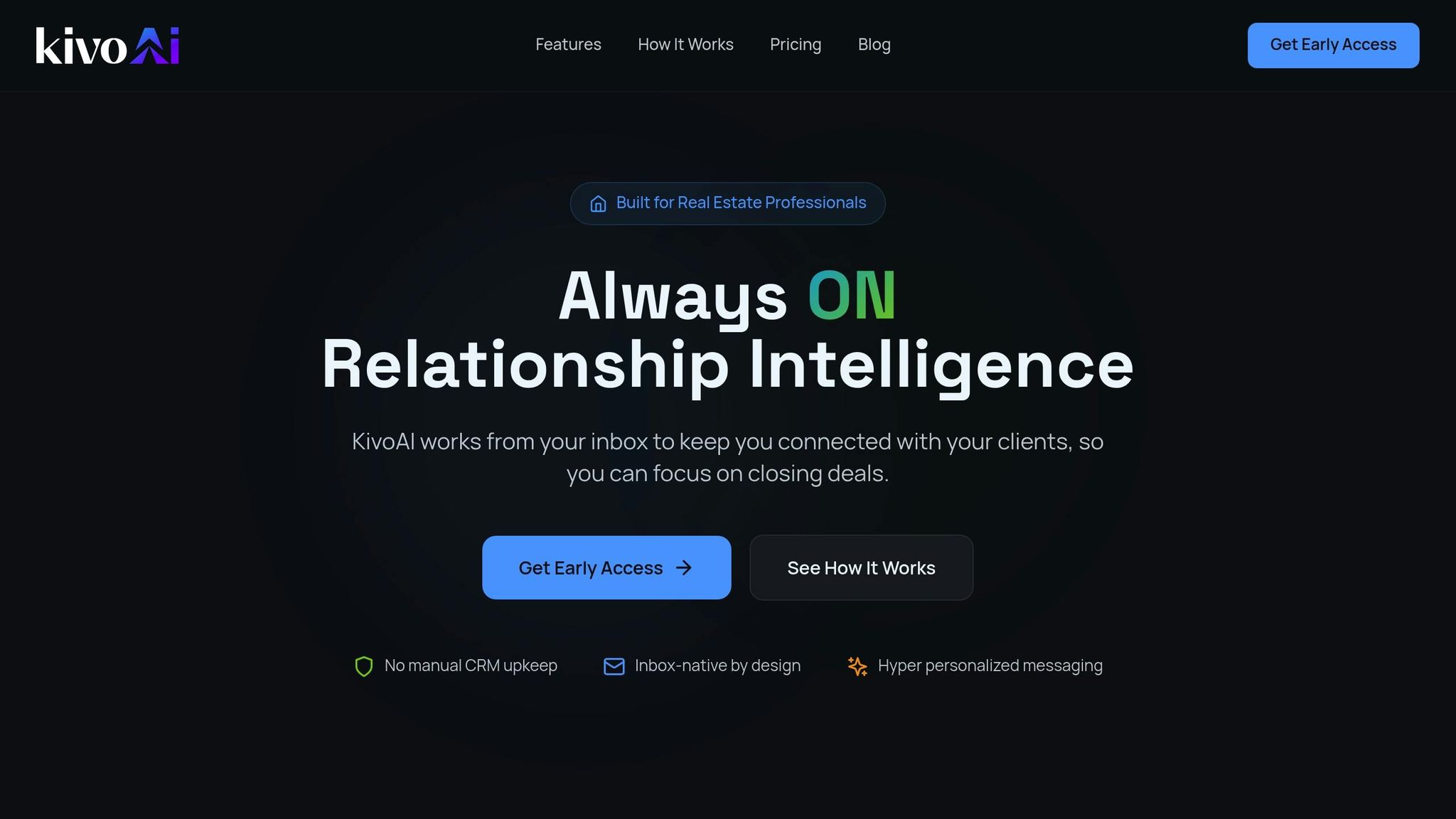
KivoAI takes a different approach from most real estate AI tools. Instead of asking you to adopt a new platform or change your workflow, it works directly with your email — the tool you already use every day. By analyzing your email history using natural language processing, KivoAI builds detailed client profiles, tracks engagement patterns, and surfaces opportunities that would otherwise go unnoticed.
What Makes KivoAI Stand Out
KivoAI automatically extracts contact details from email signatures and public sources to build rich client profiles. It tracks transaction histories, milestones like home anniversaries and birthdays, and communication patterns across your entire client base. When engagement drops or a follow-up window opens, KivoAI sends proactive alerts so you can act at the right moment.
One of its most powerful features is one-click follow-up drafting. Based on your previous conversations, KivoAI generates personalized email drafts you can review, adjust, and send — keeping your voice authentic while eliminating the blank-page problem. Every draft requires your approval, so you stay in control of every interaction.
How KivoAI Fits the Evaluation Framework
Looking at the key features outlined above, KivoAI checks several critical boxes: seamless email integration without CRM dependency, automated client profiling from existing data, predictive engagement alerts, personalized follow-up generation, and enterprise-grade security with end-to-end encryption and SOC 2 compliance. For agents whose primary workflow lives in their inbox, KivoAI eliminates the gap between communication and action — no manual data entry, no separate platforms to check, and no leads falling through the cracks.
Making Your Decision: A Quick Checklist
When you're ready to choose, run through this final checklist:
- Does it solve your #1 pain point? Focus on the problem that costs you the most time or deals.
- Does it integrate with your current tools? Email, CRM, MLS, and calendar integrations are non-negotiable.
- How fast does it deliver value? Tools that analyze existing data and work immediately beat those requiring weeks of setup.
- Is it built for real estate? Generic AI tools miss industry-specific nuances. Choose a platform designed for how agents actually work.
- Does it protect client data? End-to-end encryption and compliance certifications are essential.
- Can you customize it? Your communication style and workflow should drive the tool, not the other way around.
Conclusion
The AI assistant market for real estate is growing fast, and the agents who choose wisely now will have a significant advantage in 2026 and beyond. The industry is projected to see $34 billion in efficiency gains from AI automation over the next five years, and top-producing agents are already saving 10+ hours per week.
The right AI assistant doesn't replace your expertise — it amplifies it. By automating email management, follow-ups, and administrative tasks, you free up time for what actually grows your business: building relationships, negotiating deals, and showing up for your clients when it matters.
Start by identifying your biggest pain point, test tools that integrate with your existing workflow, and prioritize solutions built specifically for real estate. Platforms like KivoAI make it easy to get started by working directly with your email — no complex setup required.
The best time to adopt an AI assistant was yesterday. The second best time is today.
FAQs
Tags
Ready to fix follow-up?
Try inbox-first relationship management free for 14 days. No credit card required.
Start Free Trial